Tamaat is a cloud-native enterprise GIS and data analytics platform. It brings together high-performance web GIS, managed data, ETL, API delivery, AI-assisted GIS workflows, and cellular coverage analysis in one connected environment.
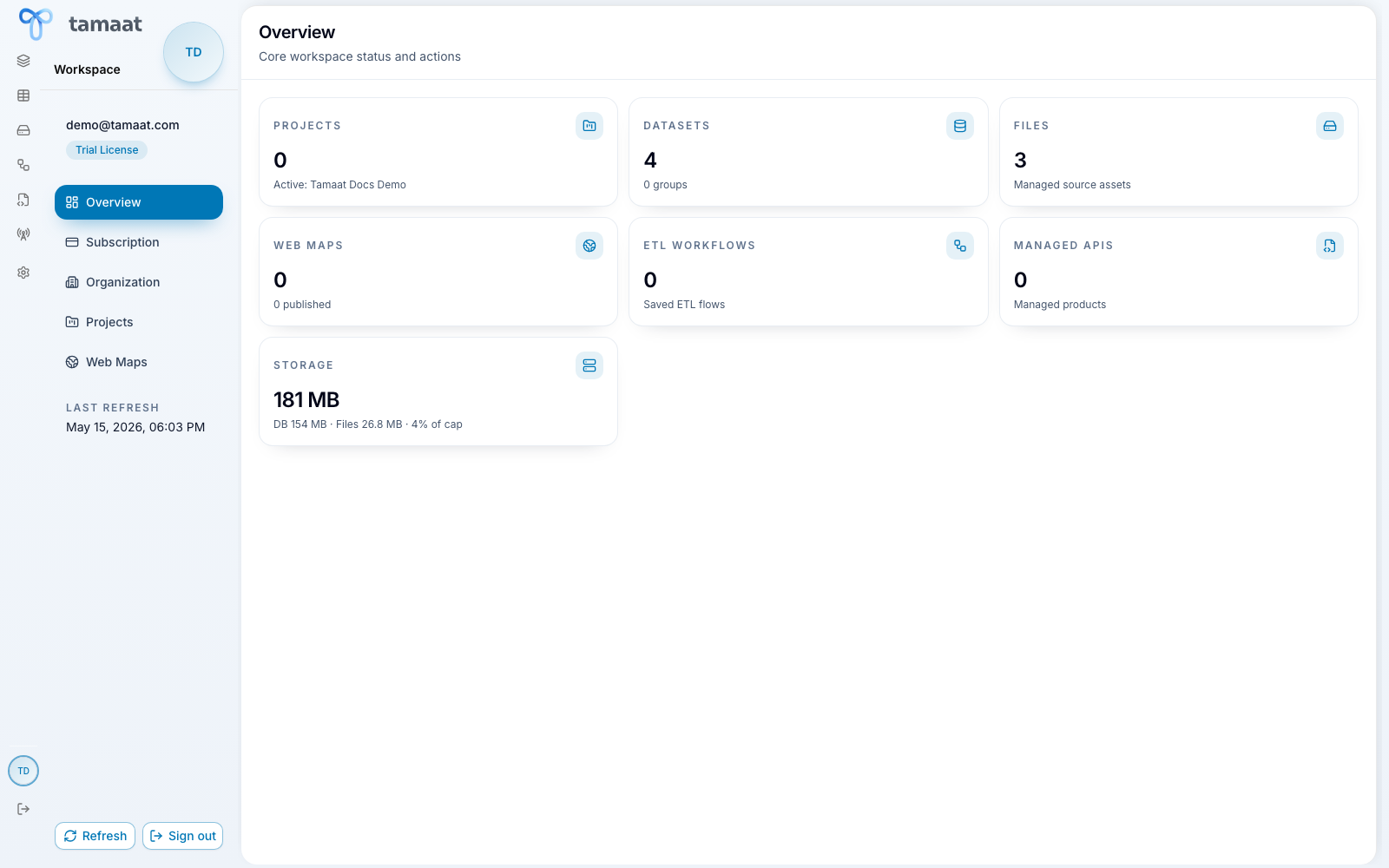 Workspace overview
Start with the right path
- New to Tamaat and need the platform overview first: Getting Started
- Evaluating the platform and want the product definition: What Tamaat Is
- Need the left-rail and pane structure explained clearly: How the Platform Is Organized
- Want a practical onboarding journey in the product: Your First Success in Tamaat
Explore by platform area
- Platform Tour
- Workspace
- Map Builder
- Data Store
- File Manager
- ETL Builder
- API Builder
- AI Assistant
- Coverage Analysis
- Settings
Explore by guided workflow
- Start in Workspace
- Inspect a Dataset in Data Store
- Build and Schedule ETL Flows
- Publish a Dataset API
- Run Single-Site Coverage
What this documentation is designed to do
- Walk users through the product the way they actually use it.
- Explain each major pane in plain but professional language.
- Make product boundaries explicit, especially for AI scope, ETL flow publishing, and coverage-analysis beta status.
- Keep screenshots aligned to the live product rather than a local or mocked setup.
Recommended next step
Start with Getting Started if you are orienting yourself for the first time, or jump to the Platform Tour if you want a pane-by-pane explanation of how the platform is organized.