Labels and symbols are not cosmetic afterthoughts. They are how users make the map readable enough for day-to-day interpretation, collaboration, and publication.
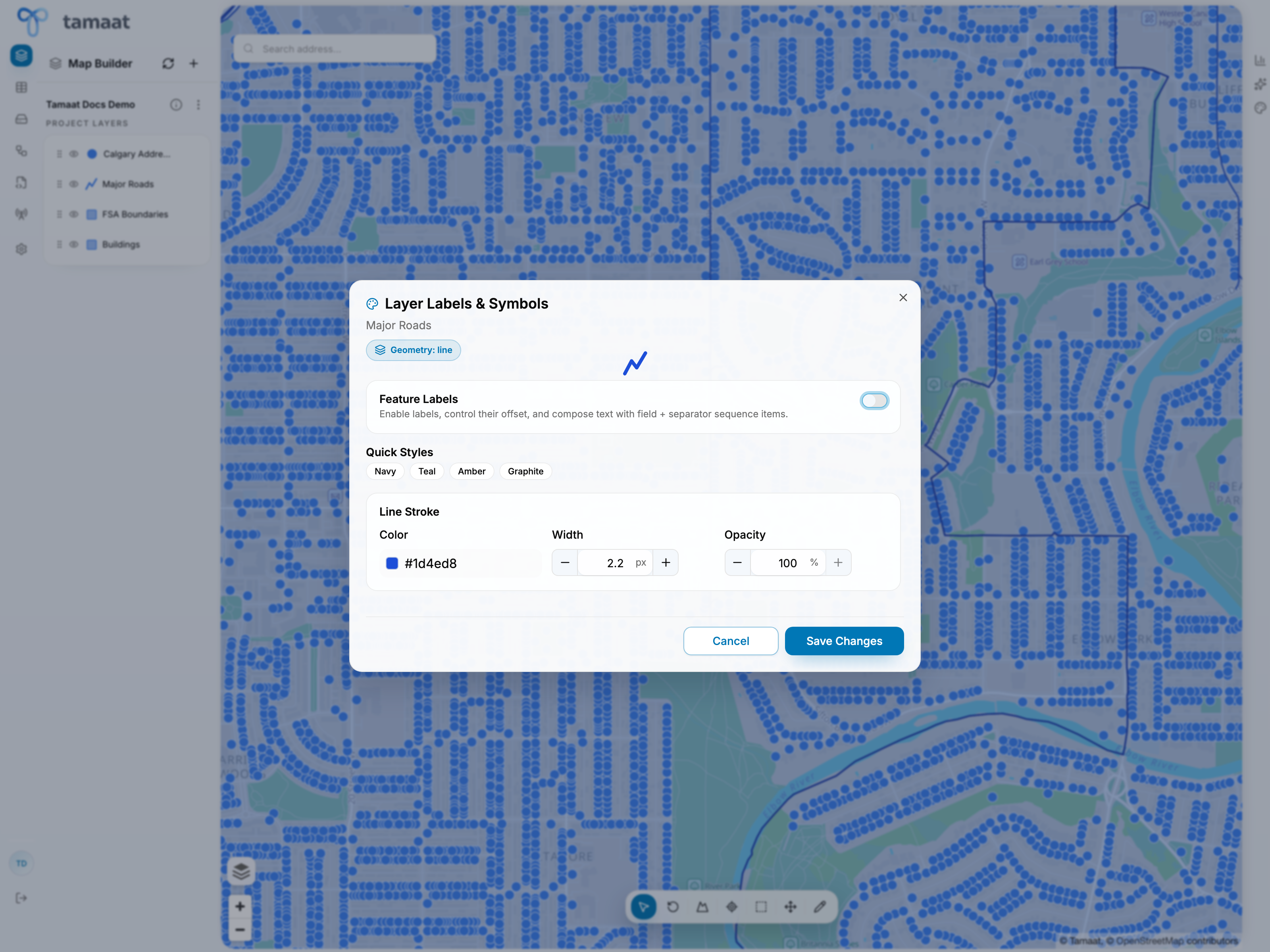 Labels and symbols
Typical styling workflow
- Open the layer action menu.
- Choose Labels & Symbols.
- Decide whether feature labels should be shown.
- Adjust the style so the layer is readable against the basemap and neighboring layers.
- Save changes and review the result back in map context.
What to tune here
- whether labels are enabled
- the visual style applied to the layer
- how strongly the layer should read relative to nearby operational and reference layers
When this page matters most
Use labels and symbols early in a project when the initial layer stack is hard to read, and revisit it before sharing or publishing the work.