Map Builder supports a full set of day-to-day map interaction tools. These are not incidental controls. They are part of the analyst's working rhythm.
Selection tools
Users can select features using:
- point select
- rectangle select
- lasso select
These tools help answer practical questions such as:
- which features are inside a working area
- which records should be inspected together
- which features should be edited or exported next
Navigation tools
Map Builder supports:
- pan
- zoom in and out
- full extent and zoom-to-layer behavior
- undo and redo for navigation changes
- basemap switching
The right navigation flow keeps the analyst oriented as the project grows.
Inspection paths
Inspection can happen in more than one way:
- visually on the map
- through the layer action menu
- through the data table
- through Data Store for deeper dataset review
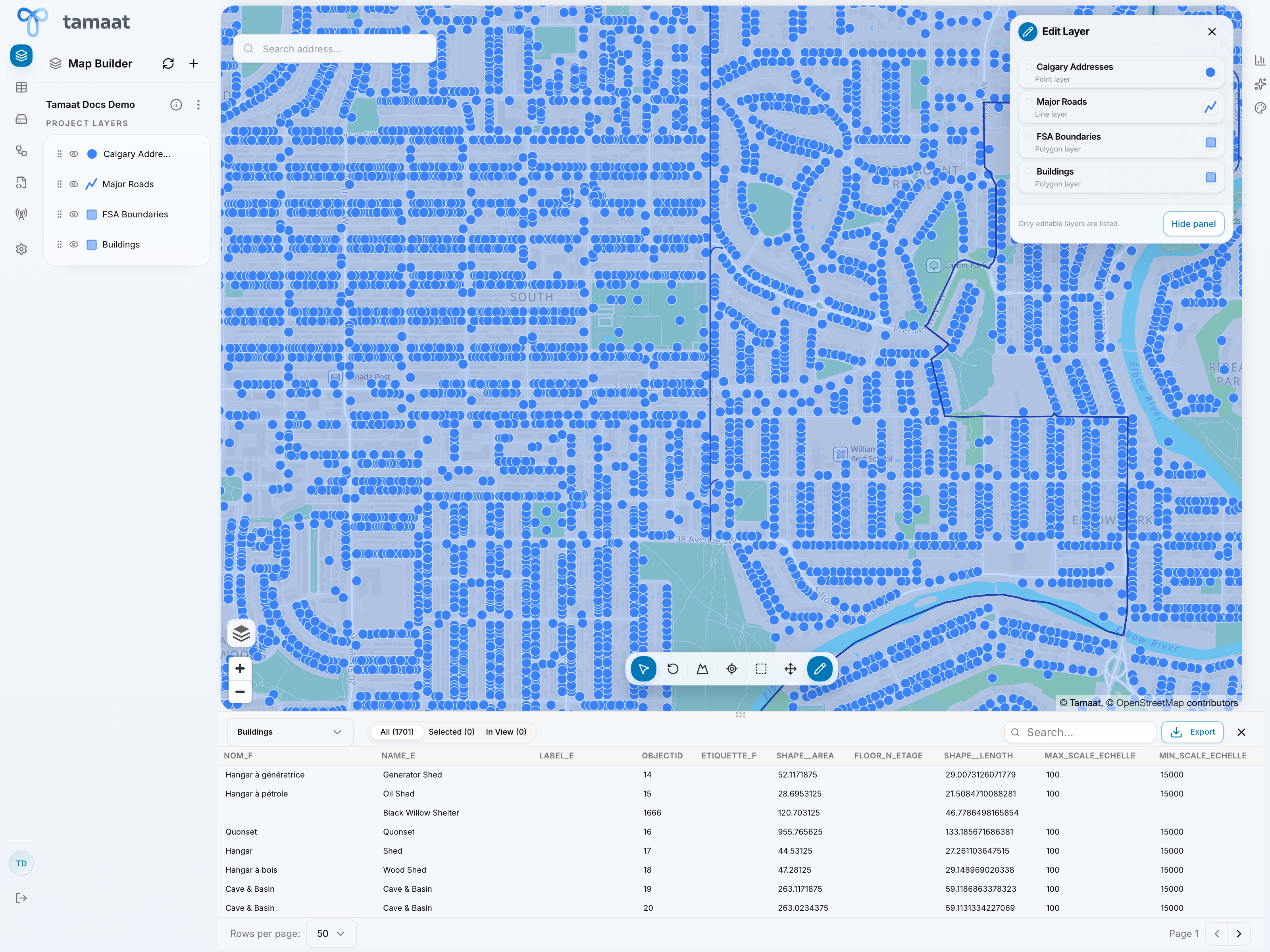 Layer data table
Survey and profile tools
Map Builder also supports a survey-style line workflow where users can draw a path and inspect its ground profile. This is especially useful when the map task depends on elevation-aware understanding rather than only feature presence.