Map Builder includes intelligent geometry behavior so users do not have to redraw everything from scratch when adjacent or connected features already exist.
Snapping
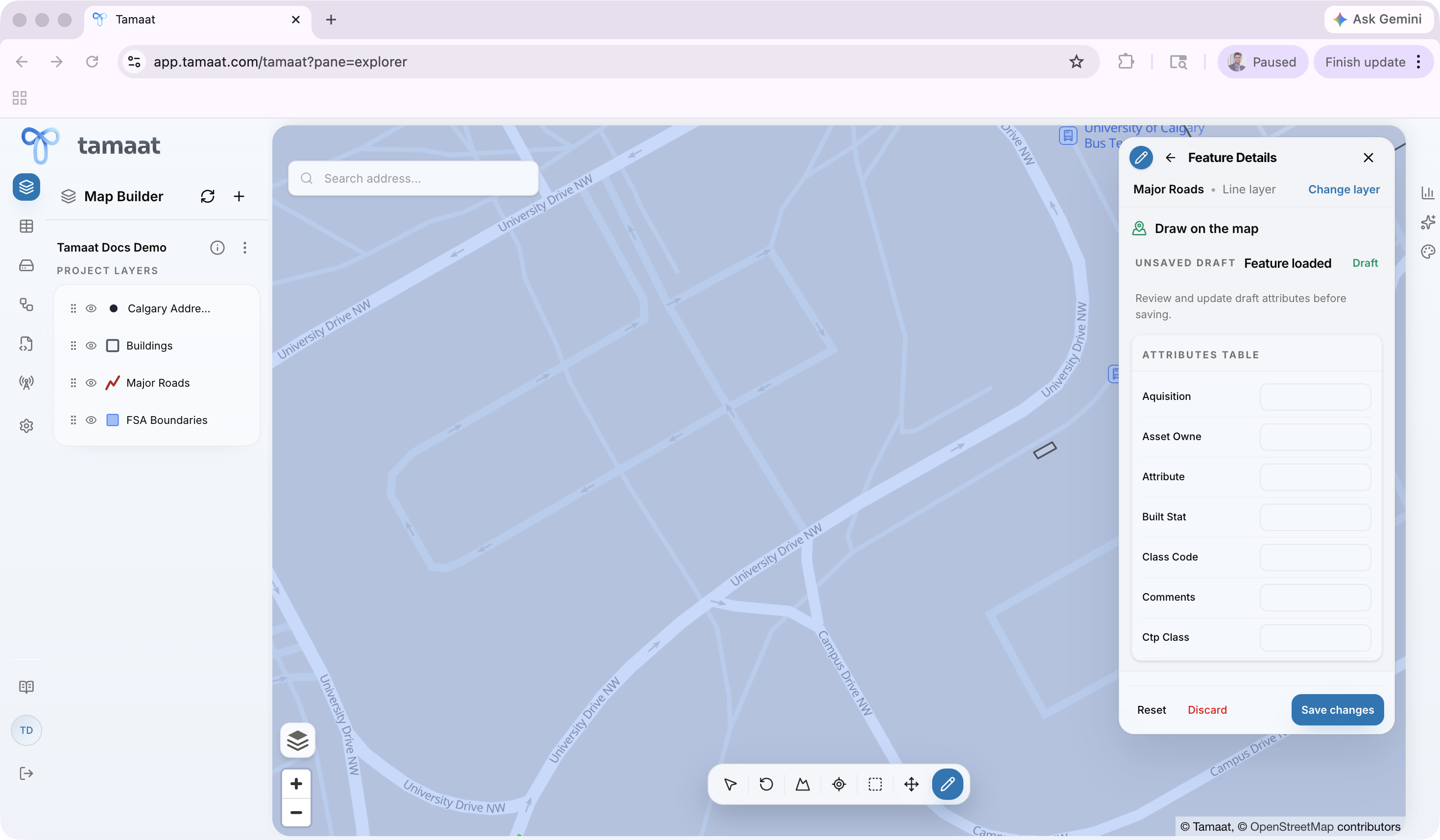 Line geometry drafted with multiple vertices
Snapping helps line and polygon work align with existing geometry instead of drifting slightly away from the intended connection.
In practice, snapping matters most while you are placing vertices. During line and polygon creation, watch the geometry as each vertex is placed and confirm that the new segment is locking onto the intended neighboring geometry instead of floating slightly off it. The quickest visual check is to compare the drafted segment against the nearby existing network before you move on to the next vertex. This is especially important when you are extending a road line off an existing street in an urban network rather than drawing an isolated segment.
Shared-border behavior
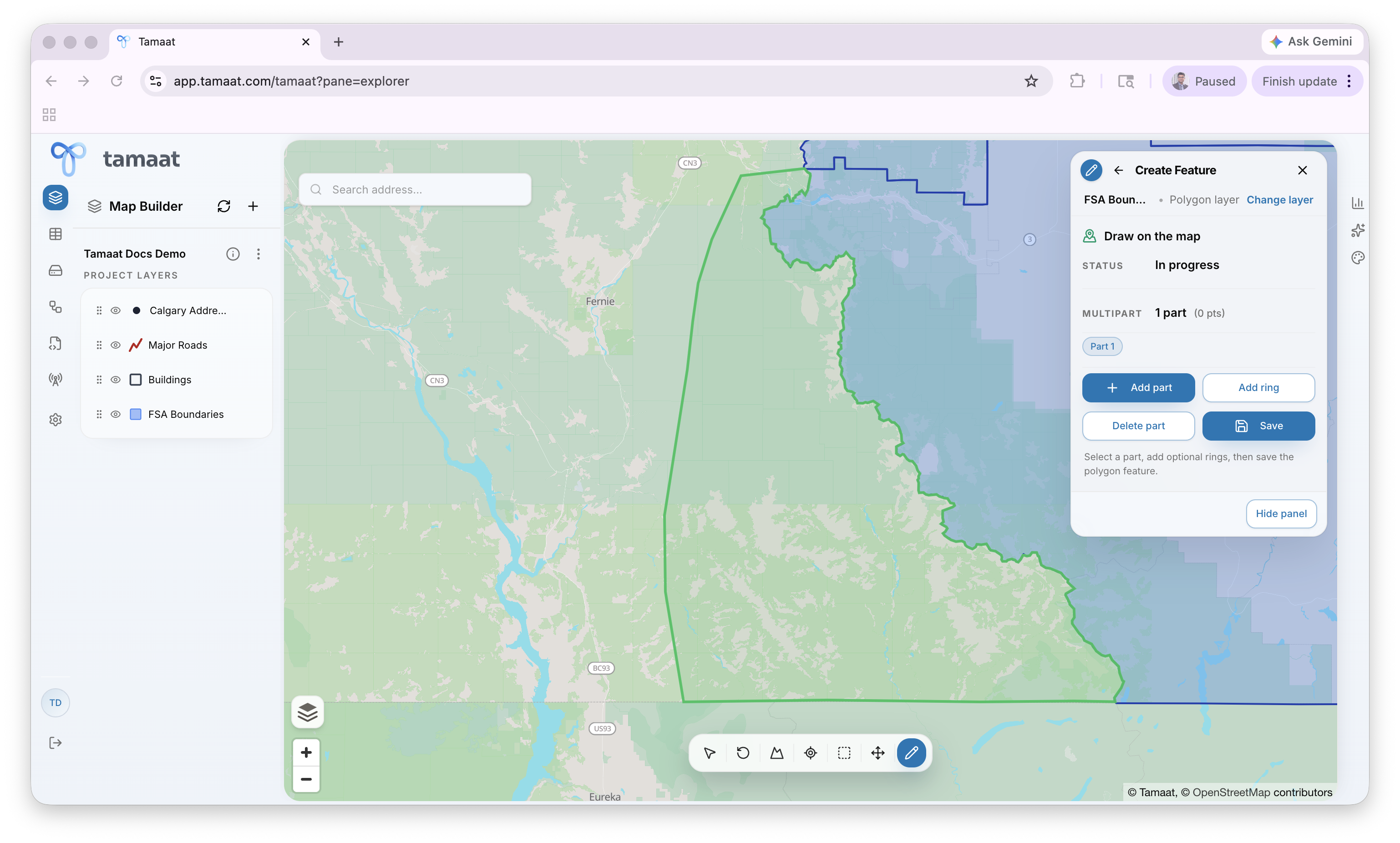 Polygon draft snapping to an adjacent shared border
When users create adjacent polygons, Map Builder can reuse the shared border instead of forcing a full manual redraw. This reduces geometry mismatch and makes adjoining areas easier to maintain.
The best time to validate shared-border behavior is while digitizing a polygon next to an existing boundary. Create the new area against the neighboring polygon and confirm that the shared edge is staying clean before you save. If the edge does not look right, fix it before saving the part rather than hoping to clean it up later. In dense city work, that often means adding a missing building-style footprint or extending an operational polygon so it meets an existing edge without gaps or overlap.
Why this matters
These behaviors reduce editing error, improve consistency, and make large editing sessions more efficient than manual redrawing workflows.