Visibility is what keeps a layer useful instead of noisy. The right visibility configuration determines when symbols and labels should appear and when they should stay quiet.
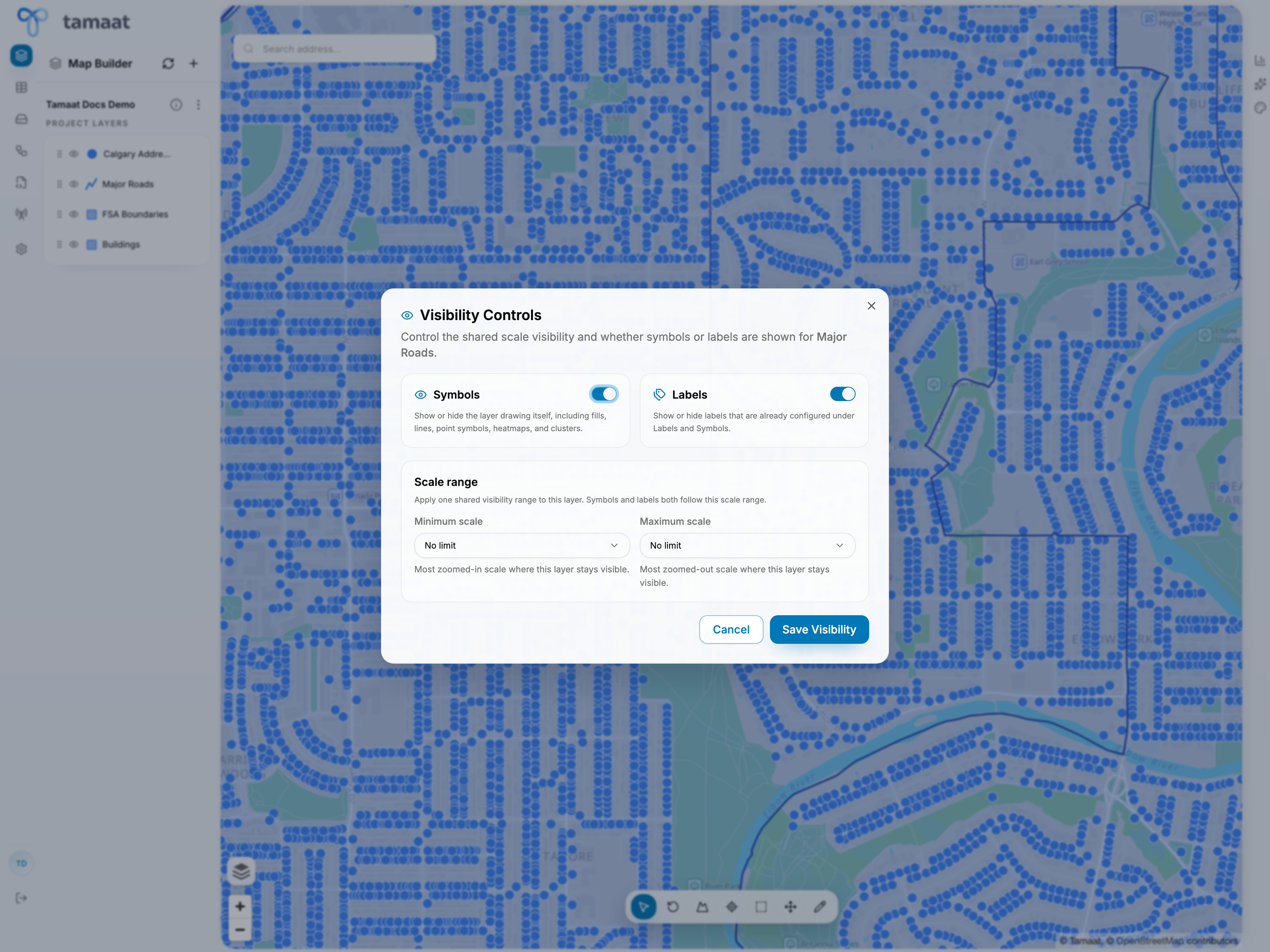 Visibility settings
What visibility controls do
- turn symbols on or off
- turn labels on or off
- define the scale range where the layer should remain visible
Why scale ranges matter
A layer that is useful at one zoom level can become unreadable at another. Visibility controls let users decide when the layer should participate in the map and when it should step back.
Practical use
Apply visibility settings when:
- dense layers overwhelm the map at small scales
- labels should appear only once users zoom in
- reference layers should stay quiet until a user is working closely in the target area