Duplicate and delete are powerful operations because they change the working dataset quickly. They are most useful when the user already understands the surrounding geometry and attribute expectations.
Duplicate a feature
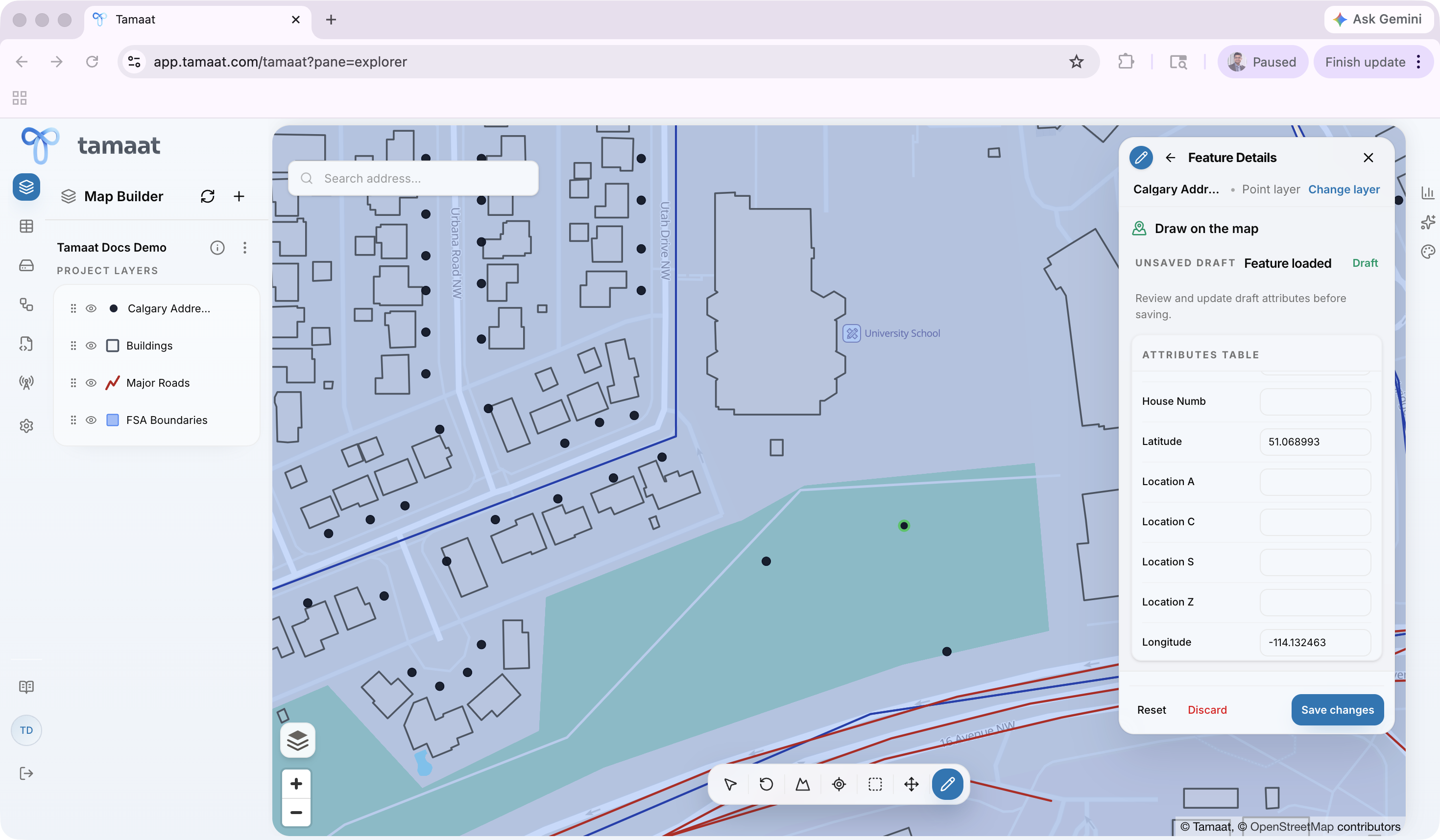 Duplicate feature workflow in a real map editing context
Use duplication when a new feature should inherit most of the attributes of a nearby feature.
- Open Edit Layer and choose the editable layer.
- Choose Duplicate Feature.
- Select the source feature on the map.
- Adjust the copied geometry if the new feature should move or extend, such as when you are creating a nearby street segment that shares most of the same attributes as the source feature.
- Change only the attributes that should differ from the source feature.
- Save the duplicated feature.
Delete a feature
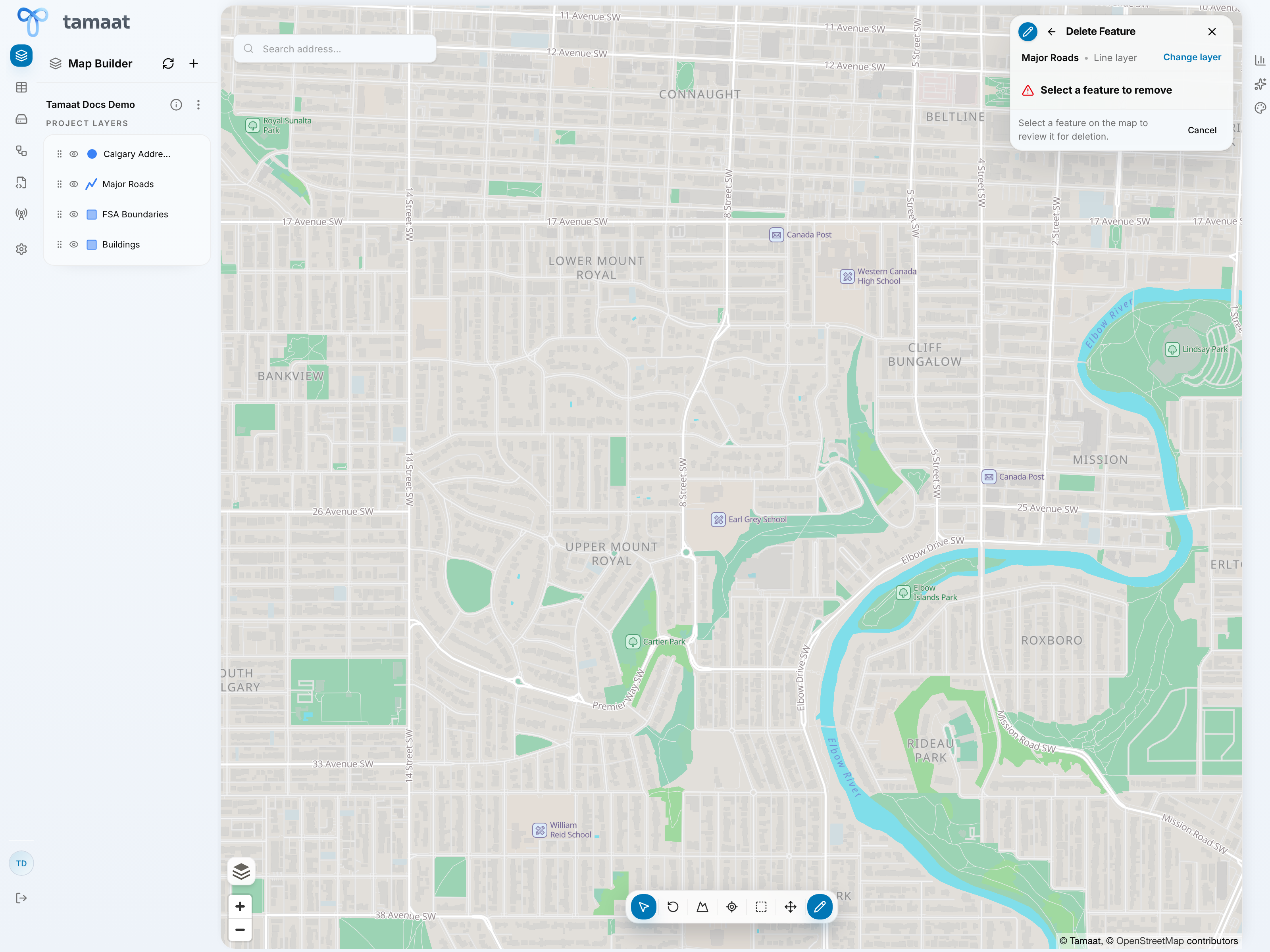 Delete feature confirmation step
Delete only after confirming the feature is genuinely wrong or obsolete in the working version.
- Open Edit Layer and choose the editable layer.
- Choose Delete Feature.
- Select the feature to remove.
- Review the deletion prompt carefully.
- Confirm the delete only after verifying that the feature should not remain in the active version.
Deletion is where version-aware editing matters most. If there is any doubt, create or switch to the right working version before removing the feature.