Tamaat uses a left-rail workspace model. Each major icon opens a distinct pane with a clear operational role. Users move between these panes depending on whether they are managing the environment, working on GIS data, designing ETL flows, publishing APIs, running coverage studies, or configuring shared behavior.
Workspace
Workspace is the control center and management surface for the user's Tamaat environment. It gives high-level visibility into projects, datasets, files, web maps, ETL workflows, managed APIs, storage, subscription, and organization controls.
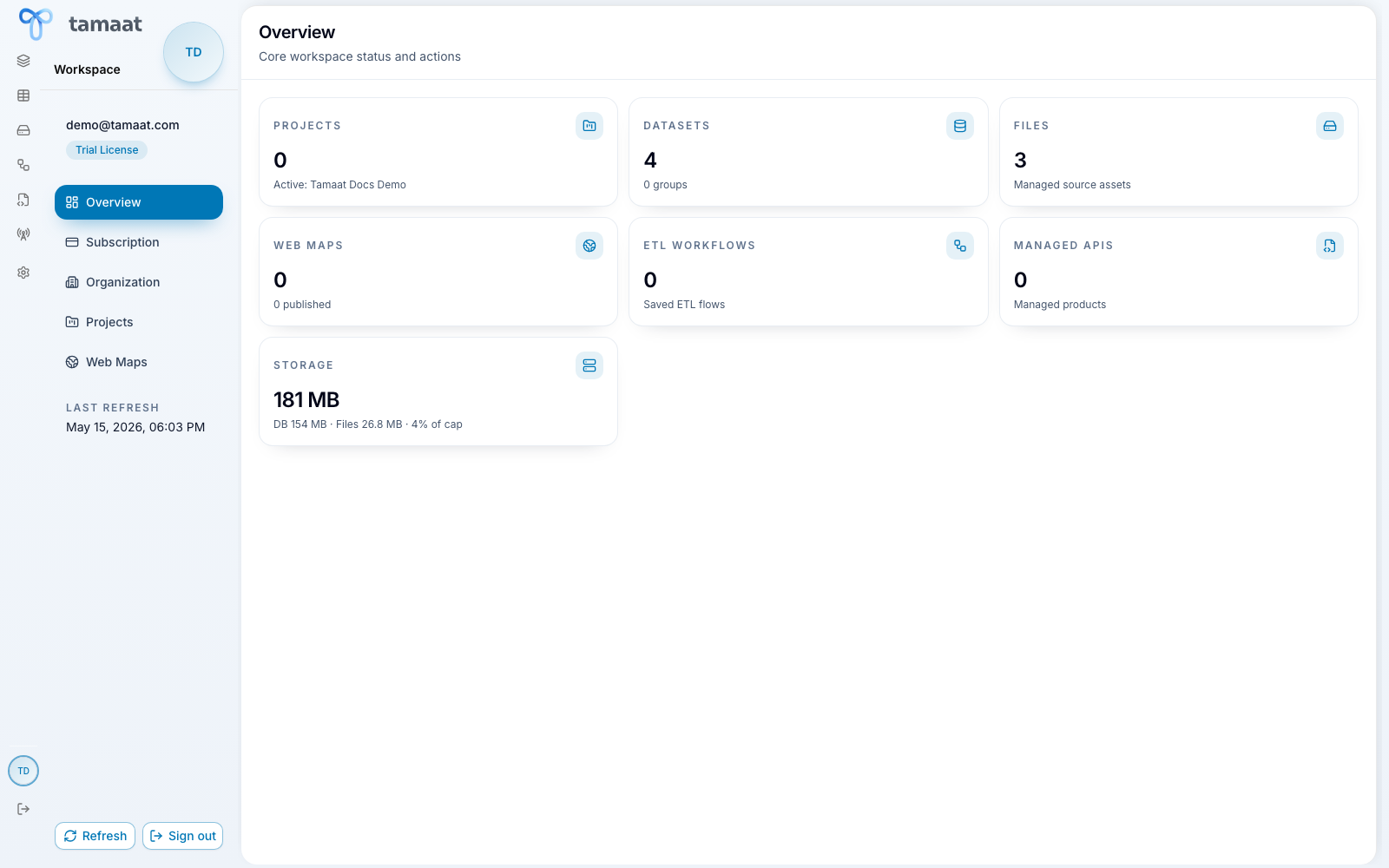 Workspace overview
Map Builder
Map Builder is the primary GIS work surface. This is where analysts create and open map projects, organize layers, inspect map context, style data, edit features, work with versions, and prepare work for publication.
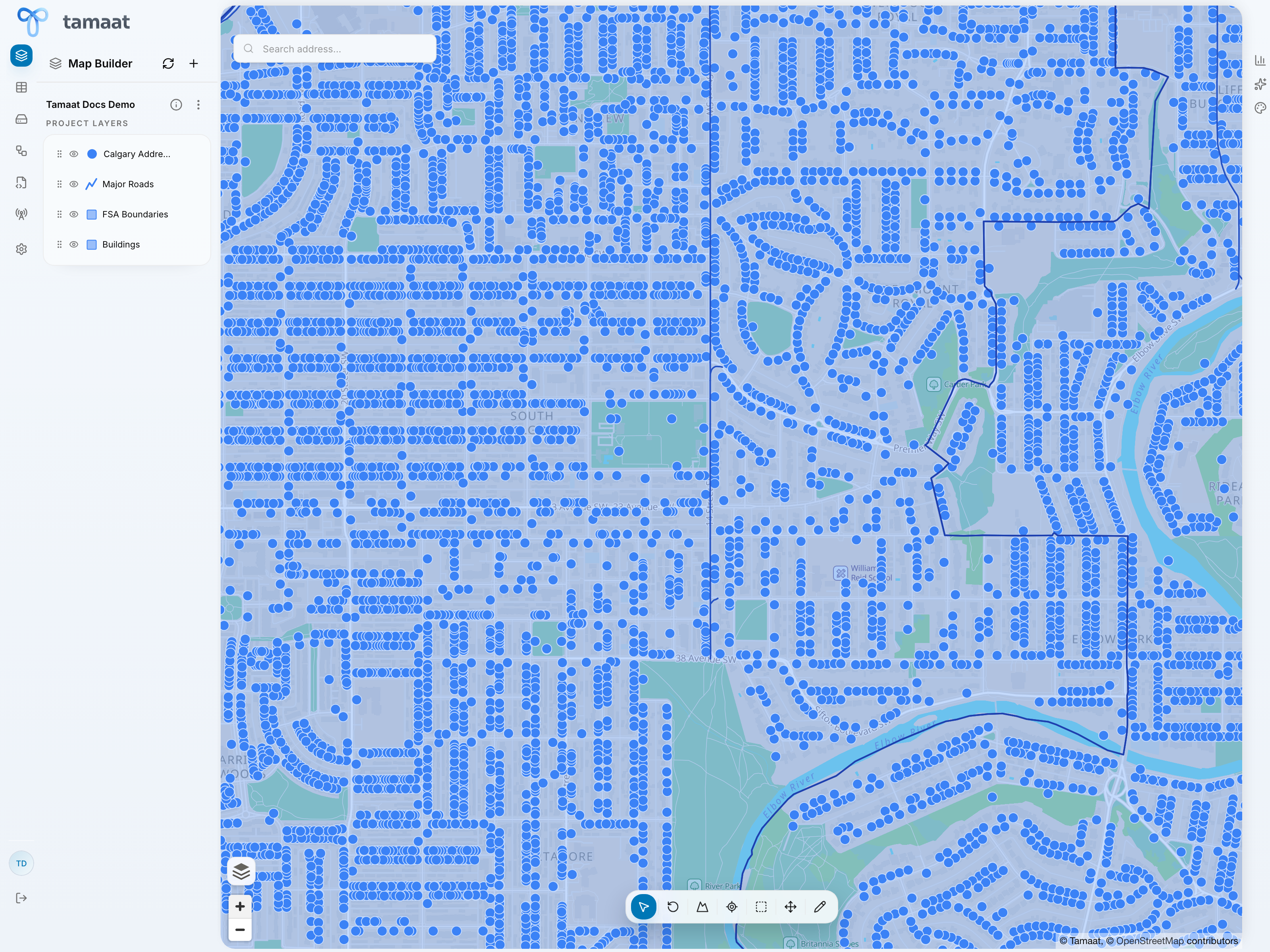 Map Builder
Data Store
Data Store is the managed dataset workspace. It is where users inspect rows, fields, and dataset contents directly before using that data in maps, ETL flows, or APIs.
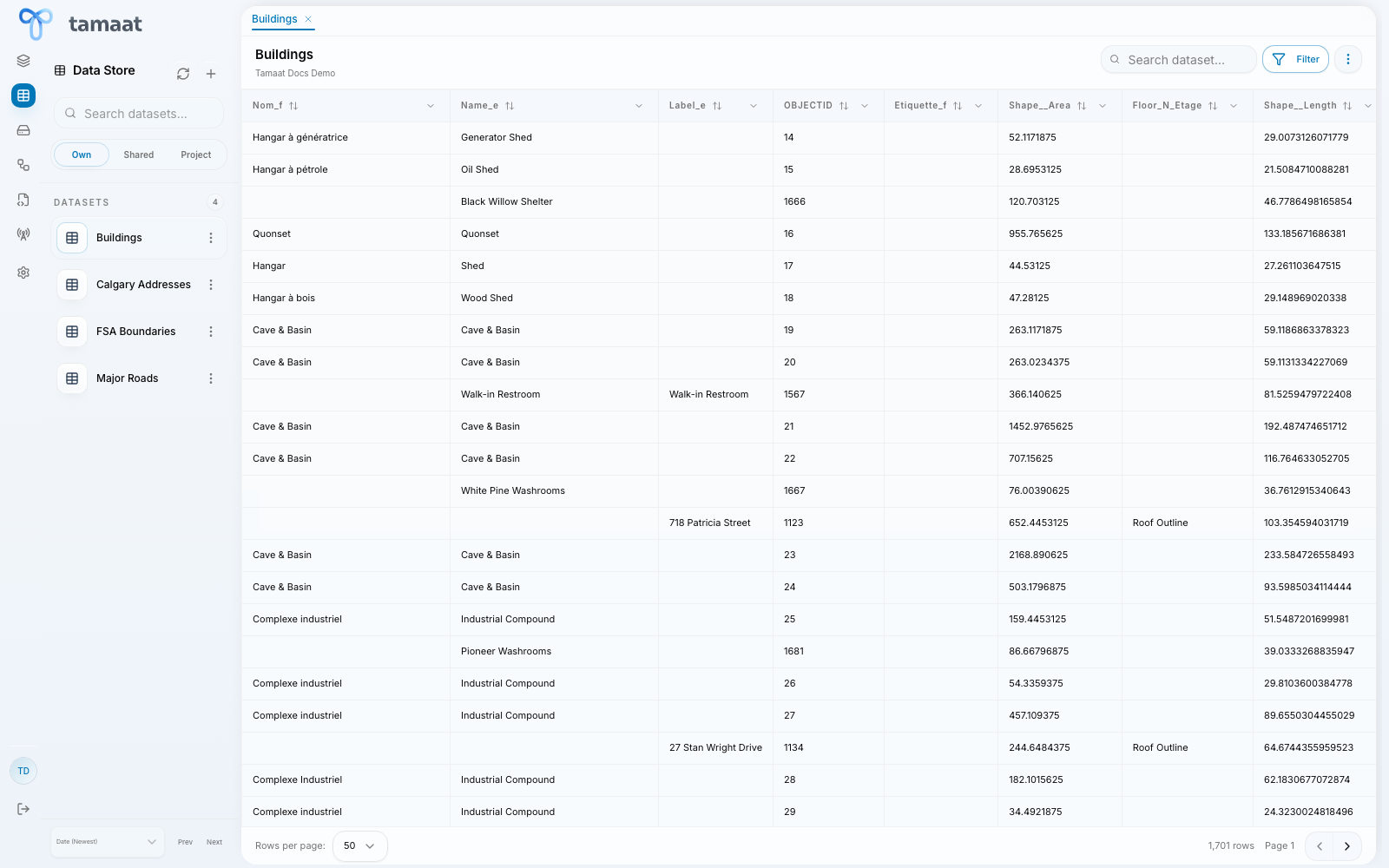 Data Store
File Manager
File Manager stores uploaded files that support platform workflows but are not managed as GIS datasets in the data store. It is especially important for reusable ETL source files and raster-oriented file assets.
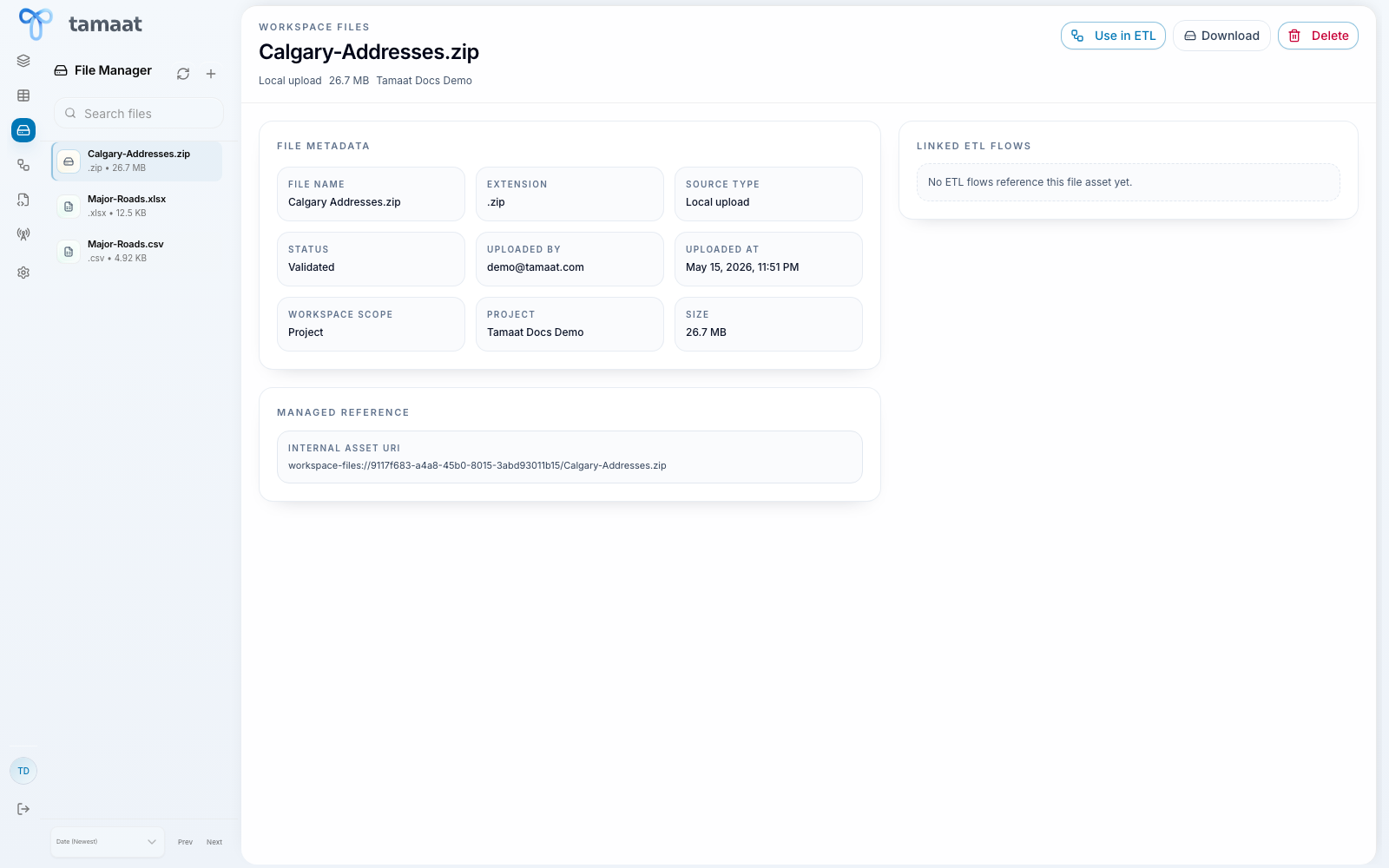 File Manager
ETL Builder
ETL Builder opens the ETL Control Center, where users create, open, run, schedule, and monitor data flows.
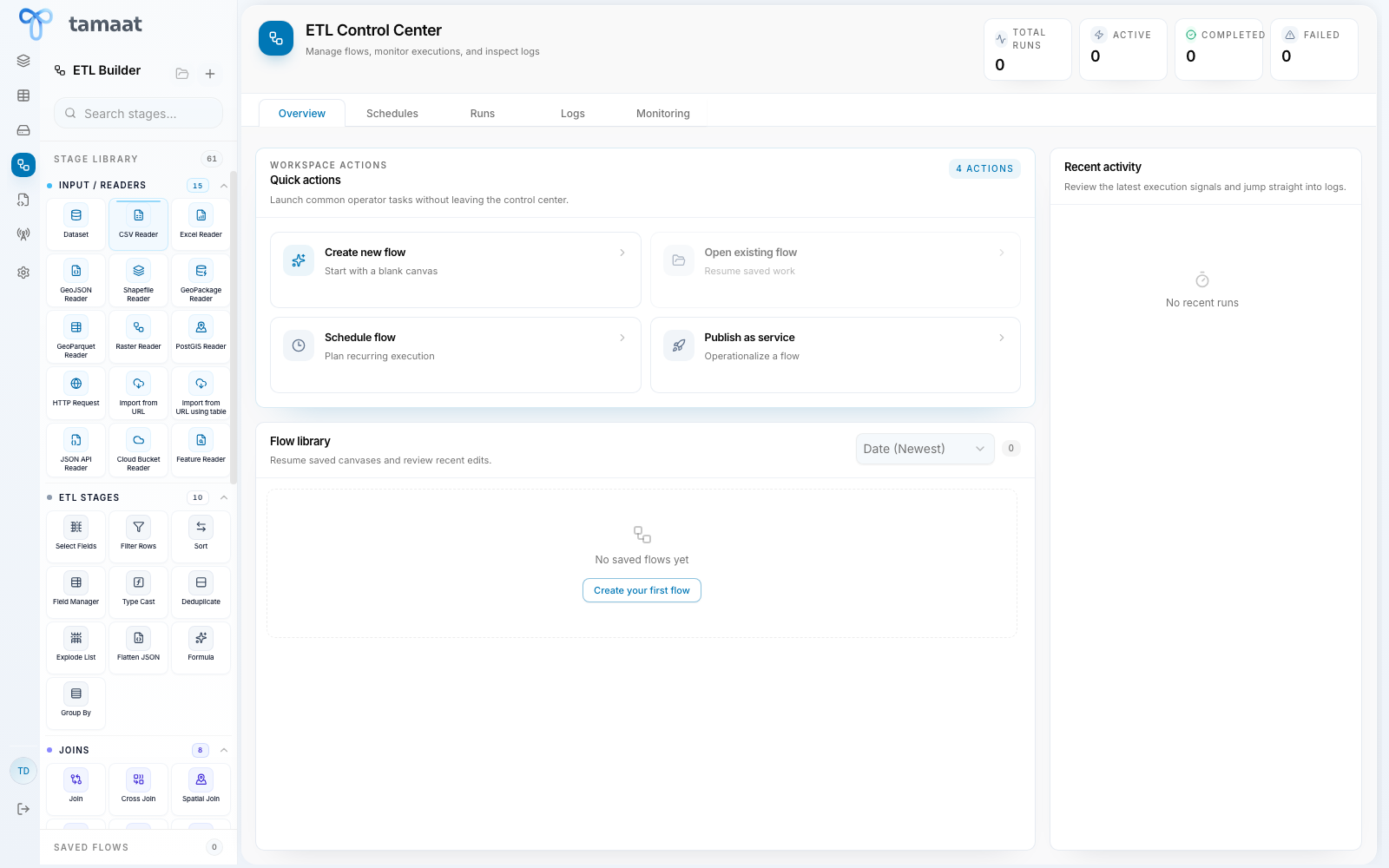 ETL Builder
API Builder
API Builder is the no-code API development and delivery surface for dataset-powered APIs.
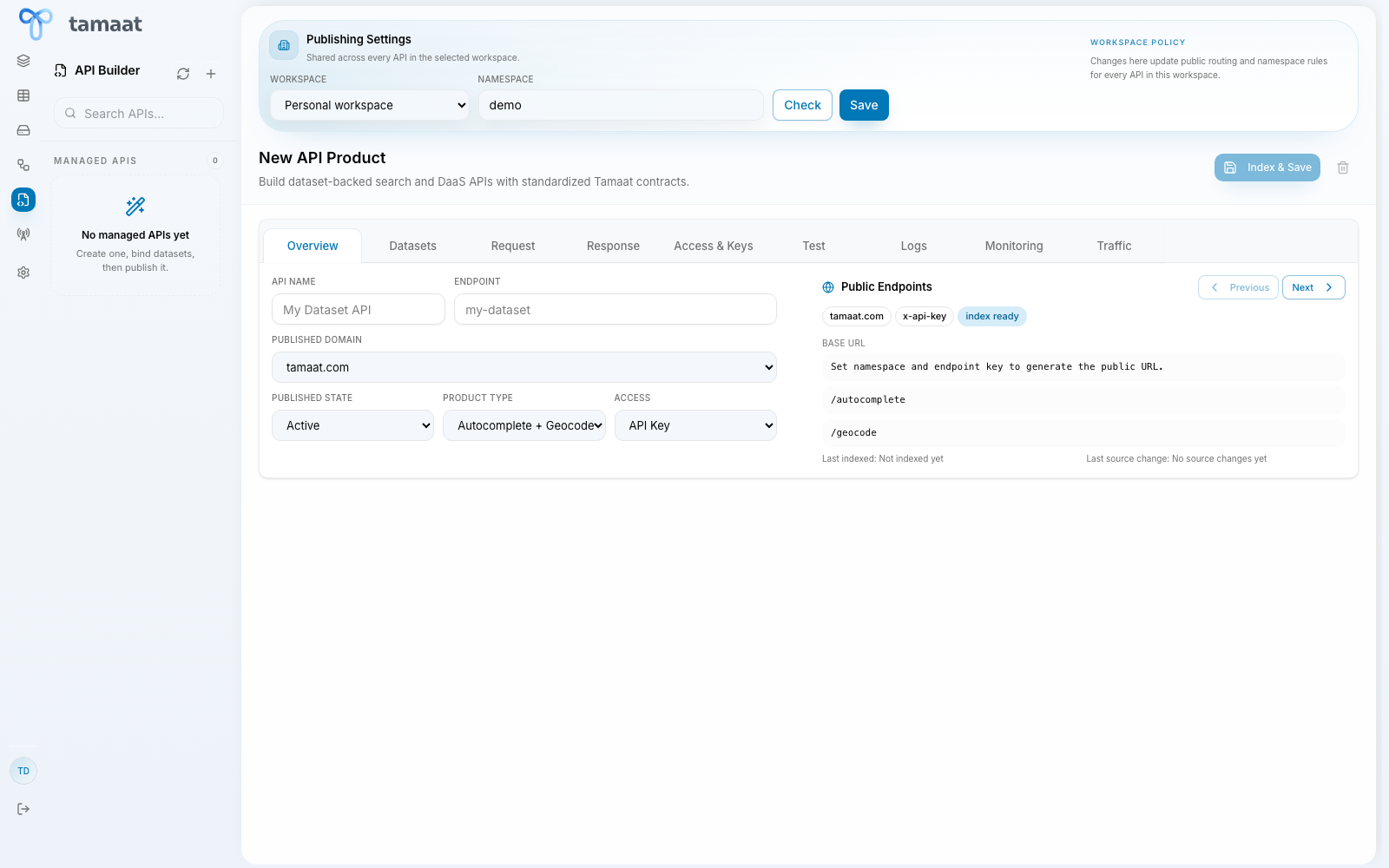 API Builder
Network Studio
Network Studio is the coverage-analysis workspace for single-site and bulk cellular coverage modeling.
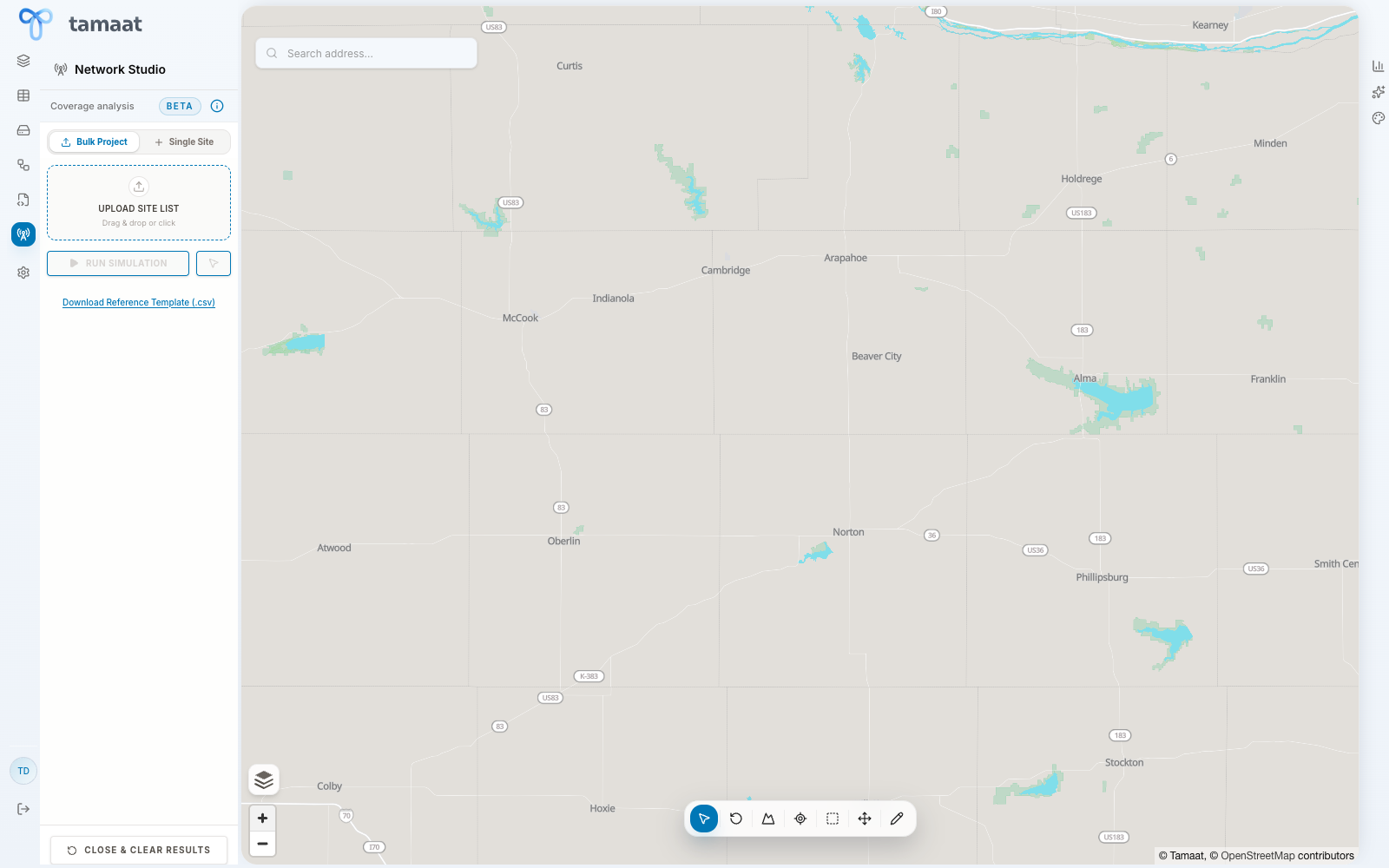 Network Studio
Settings
Settings is where users configure shared platform behavior such as autocomplete, geocoding, AI providers, basemaps, appearance, and active sessions.
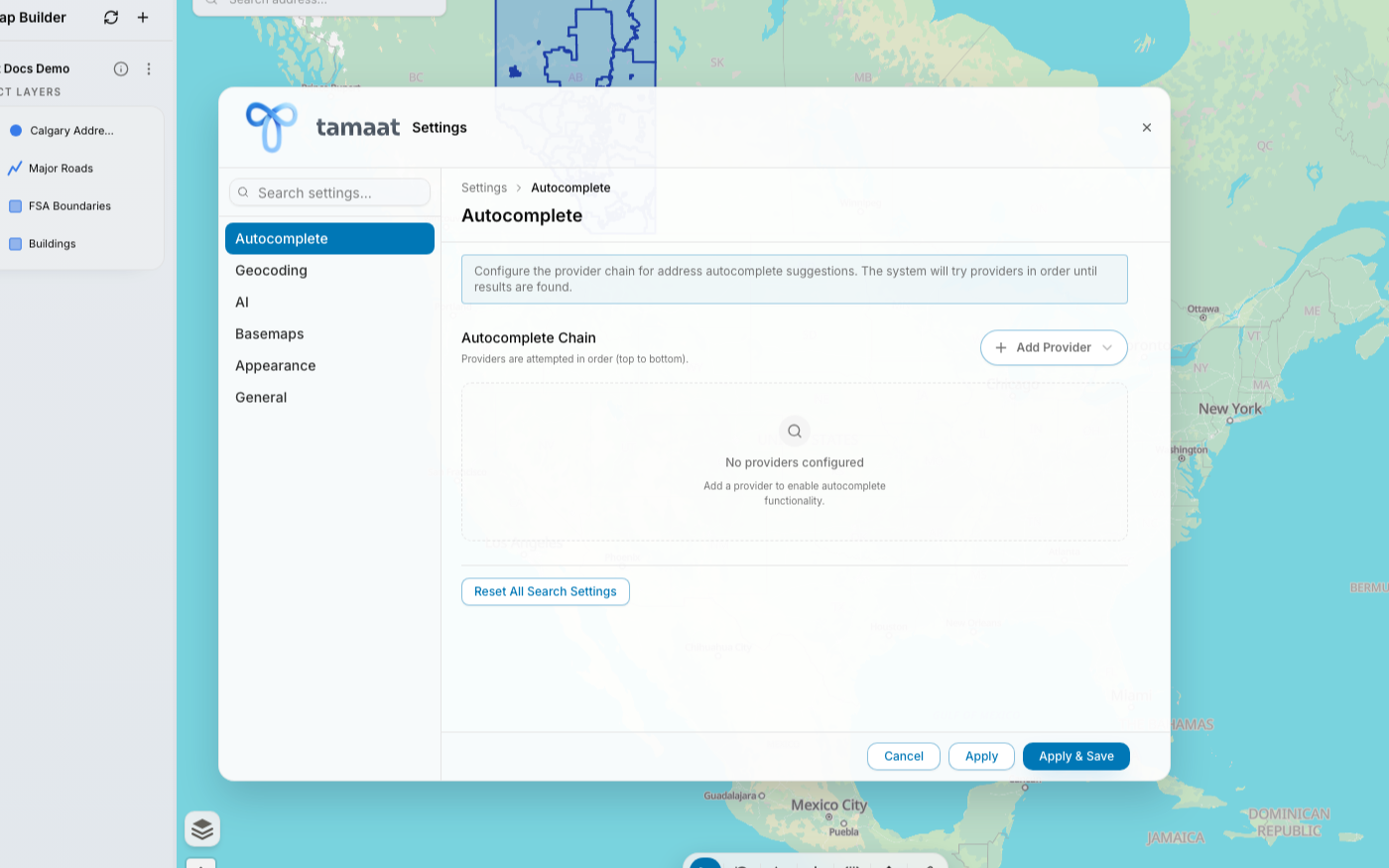 Settings
AI Assistant
The AI Assistant is currently available in Map Builder. It works against the active project and helps users ask project-specific GIS questions in plain English.
Recommended next step
Continue to Your First Success in Tamaat if you want a practical first path through the platform.