Data Store is the managed dataset workspace. It is where users inspect rows, fields, and dataset contents directly before using that data in maps, ETL flows, or APIs.
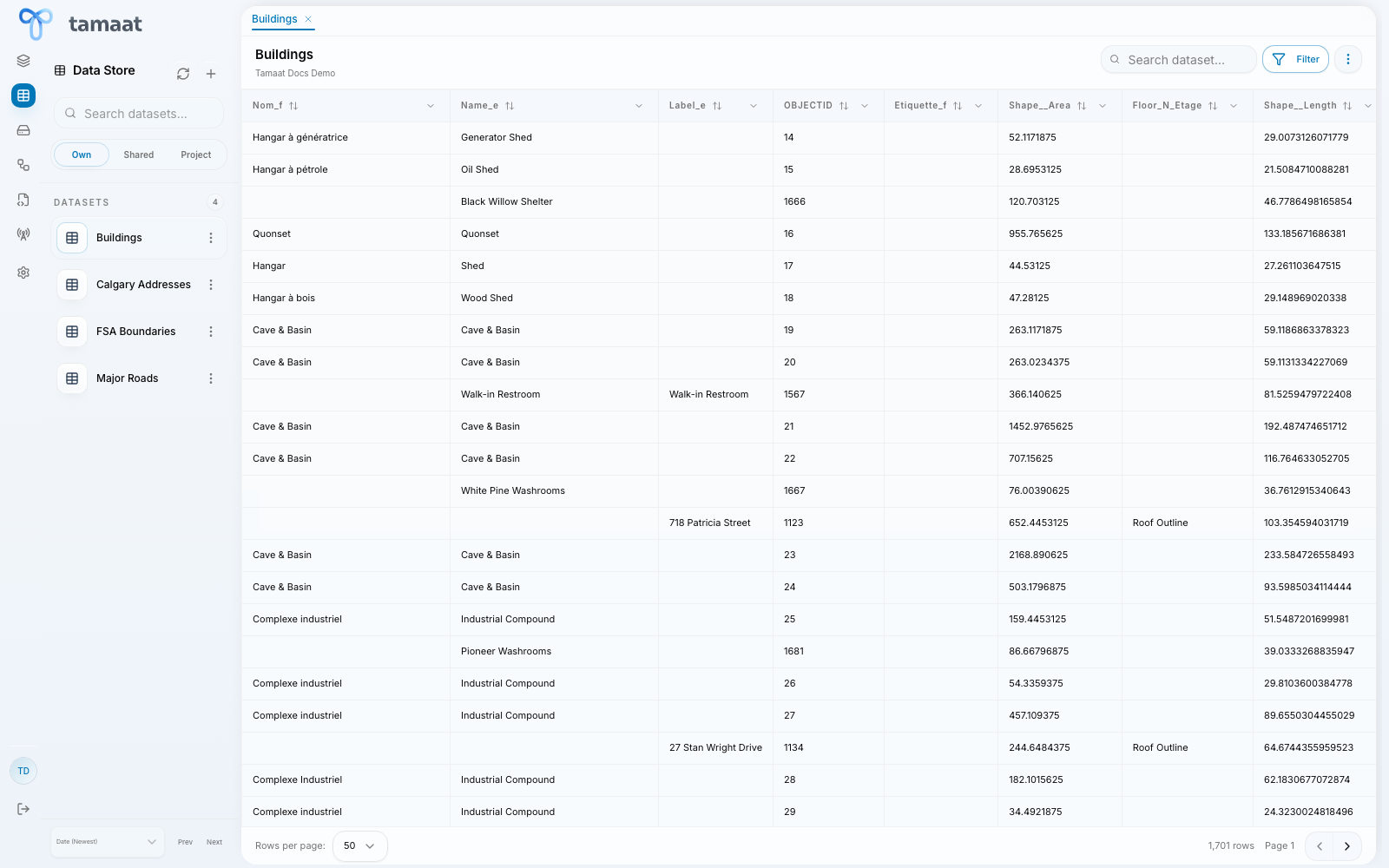 Data Store
What you do here
- open datasets attached to the workspace
- inspect rows and columns directly
- confirm that the data looks correct before mapping or ETL work
- compare field names and values before building downstream logic
Why it matters
Map Builder shows the project spatially. Data Store shows the managed records behind that project. When you need record-level confidence, Data Store is the right surface.
What Data Store is not
Data Store is not the file-upload surface. If you are working with reusable uploaded files that are not yet managed as datasets, use File Manager.