Workspace is the high-level control center for a user's Tamaat environment. It is where users review what they have, how much they are using, and what administrative actions are available.
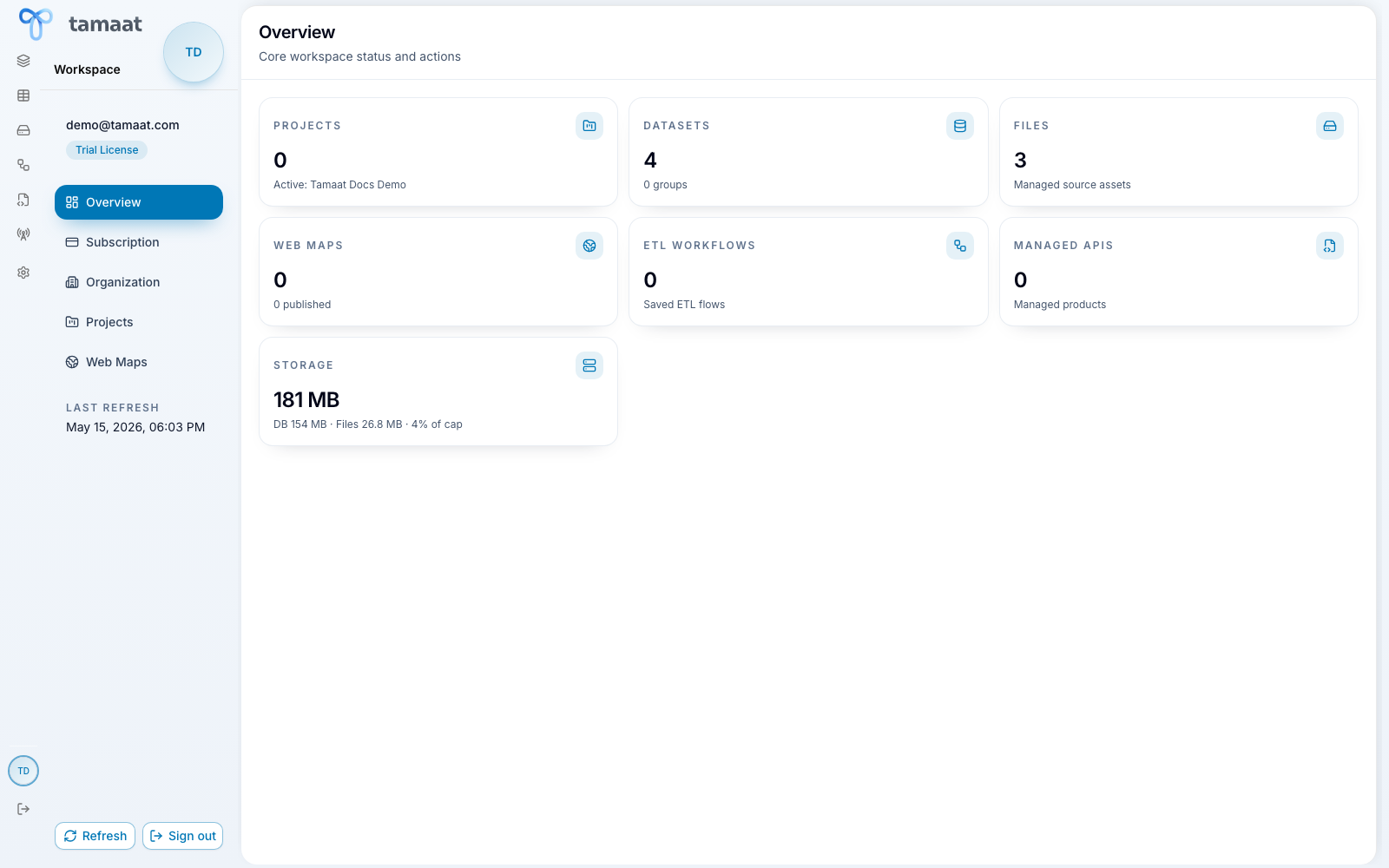 Workspace overview
What this surface owns
- review counts for projects, datasets, files, web maps, ETL workflows, managed APIs, and storage
- inspect subscription and plan usage
- manage organization membership when organization mode applies
- open or delete projects
- review published web maps and their URLs
What Workspace is not
Workspace is not where users do the hands-on GIS, ETL, API, or coverage work itself. It is the overview and management hub for the environment that contains that work.
When to open Workspace first
Start here when you want to understand the current state of your environment before you decide which operational pane to use next.